



IOZER connect Free
0 €
Manage devices and keep them up to date.
- Central device overview
- Device assignment
- Device status and last connection
- Firmware version
- Firmware/update channel
- Firmware updates
IOZER connect adds central online services to your local automation. Keep track of your IOZER devices, manage their assignment and receive new firmware securely and conveniently.
Connected online. Independent locally.
Device overview
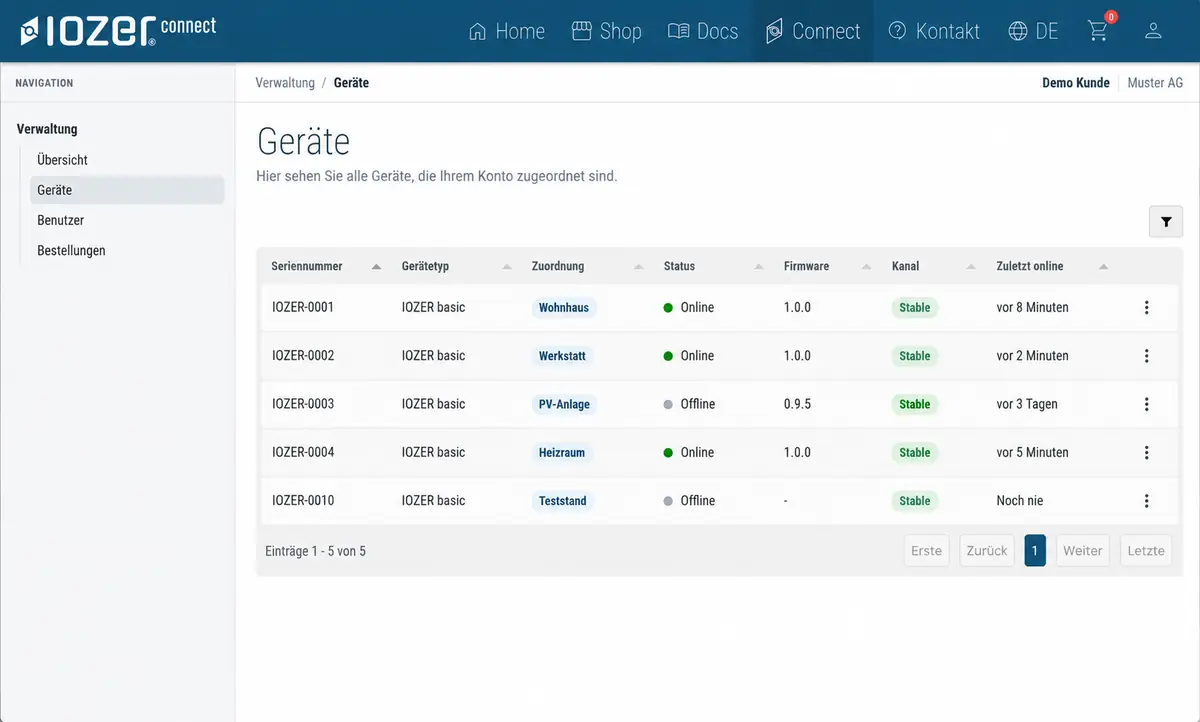
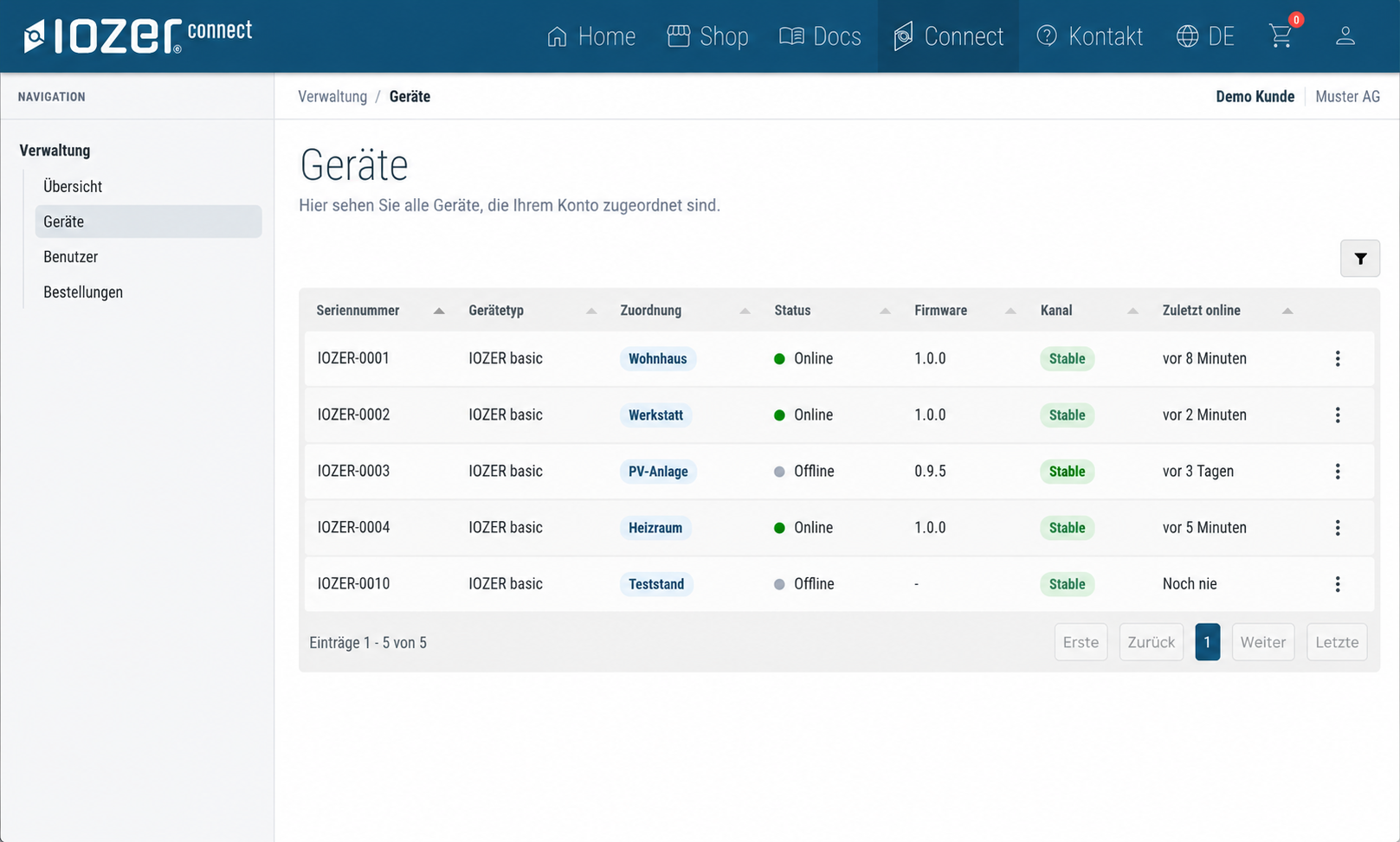
IOZER connect brings the devices assigned to your account together in a central overview. Device type, assignment, connection status, firmware version, update channel and last connection are all available in one place.
 Enlarge image
Your IOZER devices clearly organised in one central view.
Online or offline, with the time of the last connection.
See the installed version and update channel at a glance.
Firmware
New firmware versions are provided through IOZER connect. Each IOZER has its own device identity, which it uses to authenticate with IOZER services. Released firmware is cryptographically signed and verified before installation or boot.
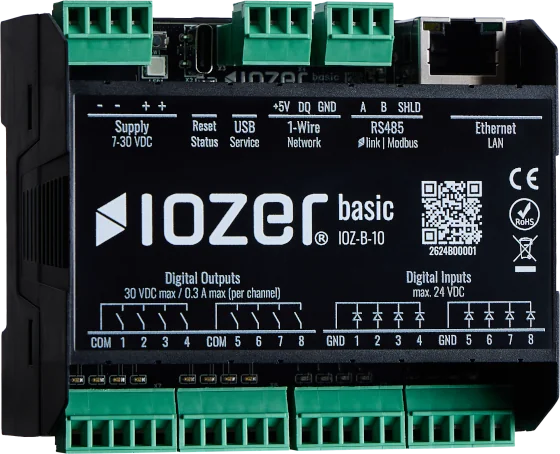
IOZER basic authenticates with IOZER connect using its individual device identity.
Released versions are provided through the update channel available to the device.
Cryptographic verification protects firmware integrity before installation or boot.
Local First
IOZER connect complements the device rather than replacing it. Data points, programs and automation logic run directly on IOZER basic. Ongoing local operation does not require a permanent connection to IOZER connect.
The local functions of IOZER basic can be used independently of a Connect subscription.
Discover IOZER basic Device overview · Firmware updates
IOZER connect
IOZER connect starts with the essential services for your IOZER devices. Advanced monitoring, historical data and notification features will follow as optional additions.
0 €
Manage devices and keep them up to date.
Extended online services for your IOZER devices.
Planned · not yet available
More historical data for larger applications.
Planned extensions · not yet available
Local stays local. IOZER basic remains fully usable locally without a paid Connect service. Paid packages extend optional online and monitoring features only.
FAQ
No. Automation runs locally on the device. IOZER connect is a complementary online service.
IOZER connect Free is free of charge. Extended packages such as Plus and History are currently in preparation.
The device overview currently includes assignment, device status, last connection, firmware version and update channel. Firmware updates are also provided.
Not at present. IOZER connect does not currently offer remote control of your IOZER.
Firmware updates through the default channel do not require a Connect account. The device authenticates using its individual identity and needs an internet connection for this. An account and device assignment are required to see your devices in the portal’s central overview.
Local automation logic on IOZER basic continues to run independently of IOZER connect. Online services and access to new firmware become available again when the connection is restored.
Link your IOZER devices to your account and keep track of devices and firmware in one place.

ROCOON Automation GmbH uses essential cookies to operate this website securely. Google Analytics is loaded for audience measurement only with your voluntary consent.
You can change or withdraw your choice at any time through “Cookie settings” in the footer. Withdrawing consent has no disadvantages.


